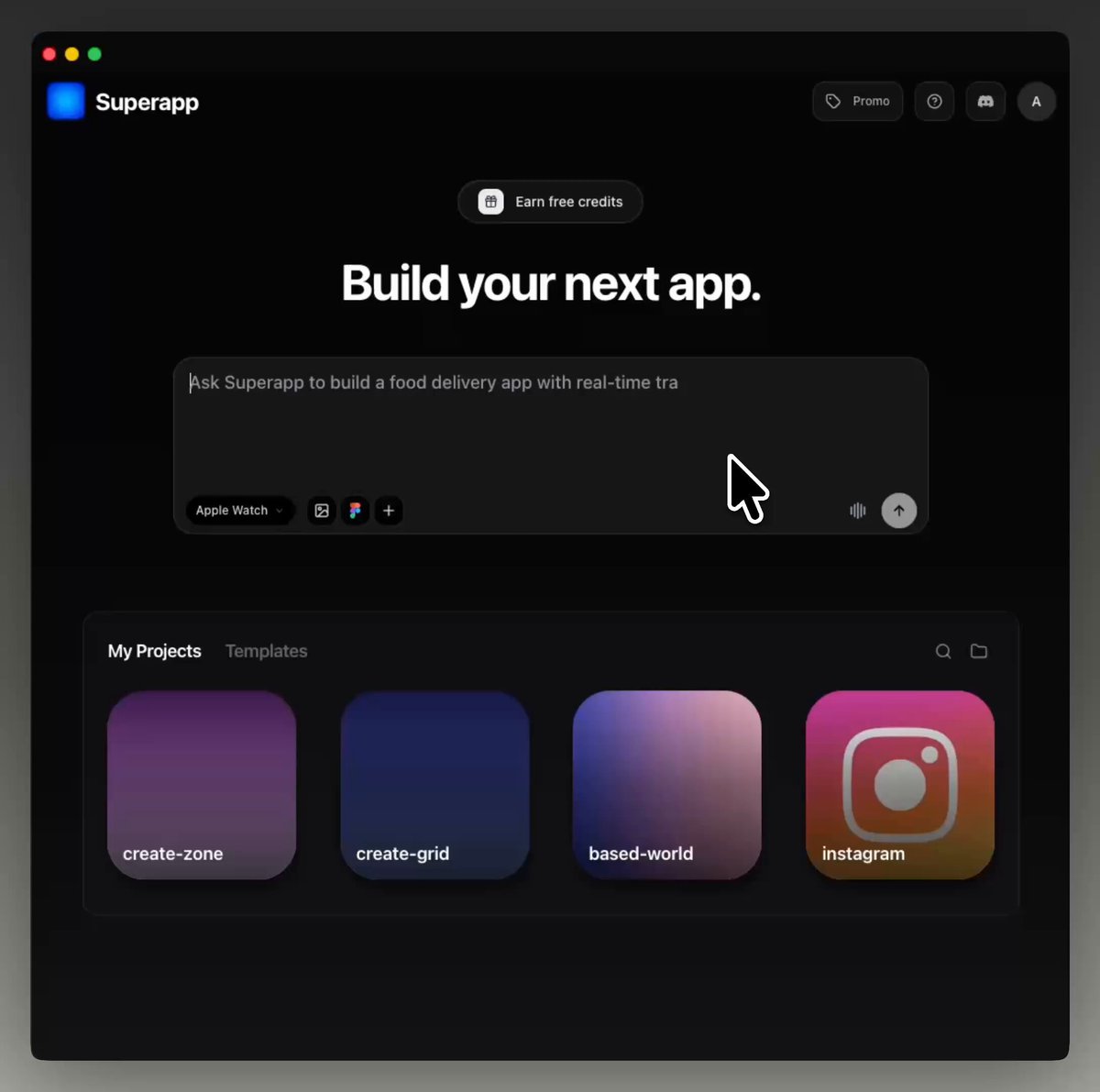
Build iOS apps with AI
Describe your idea and get a real native Apple app in minutes.
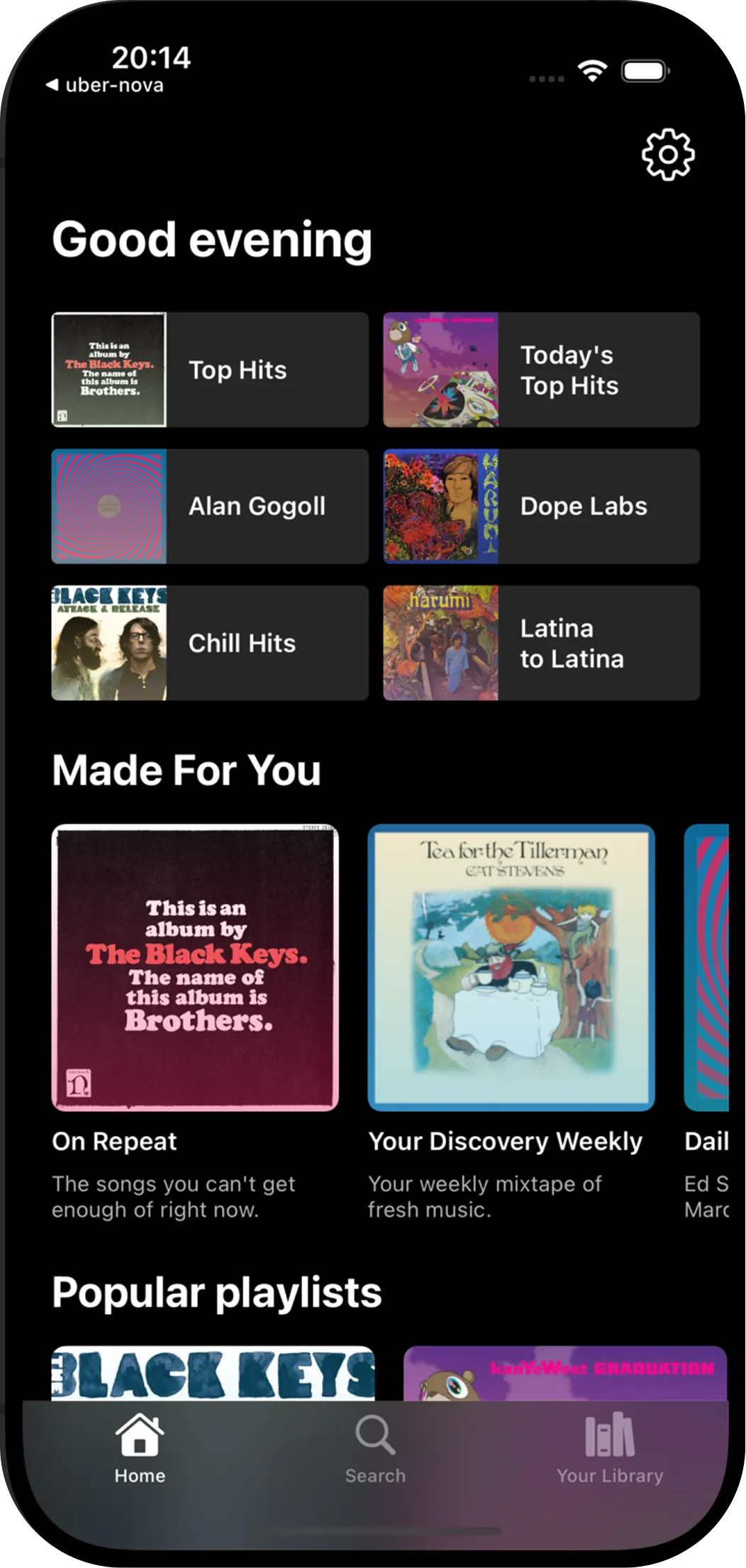
You describe the app.
AI does the work.
No developers. No designers. No product managers.
AI takes care of everything for you.
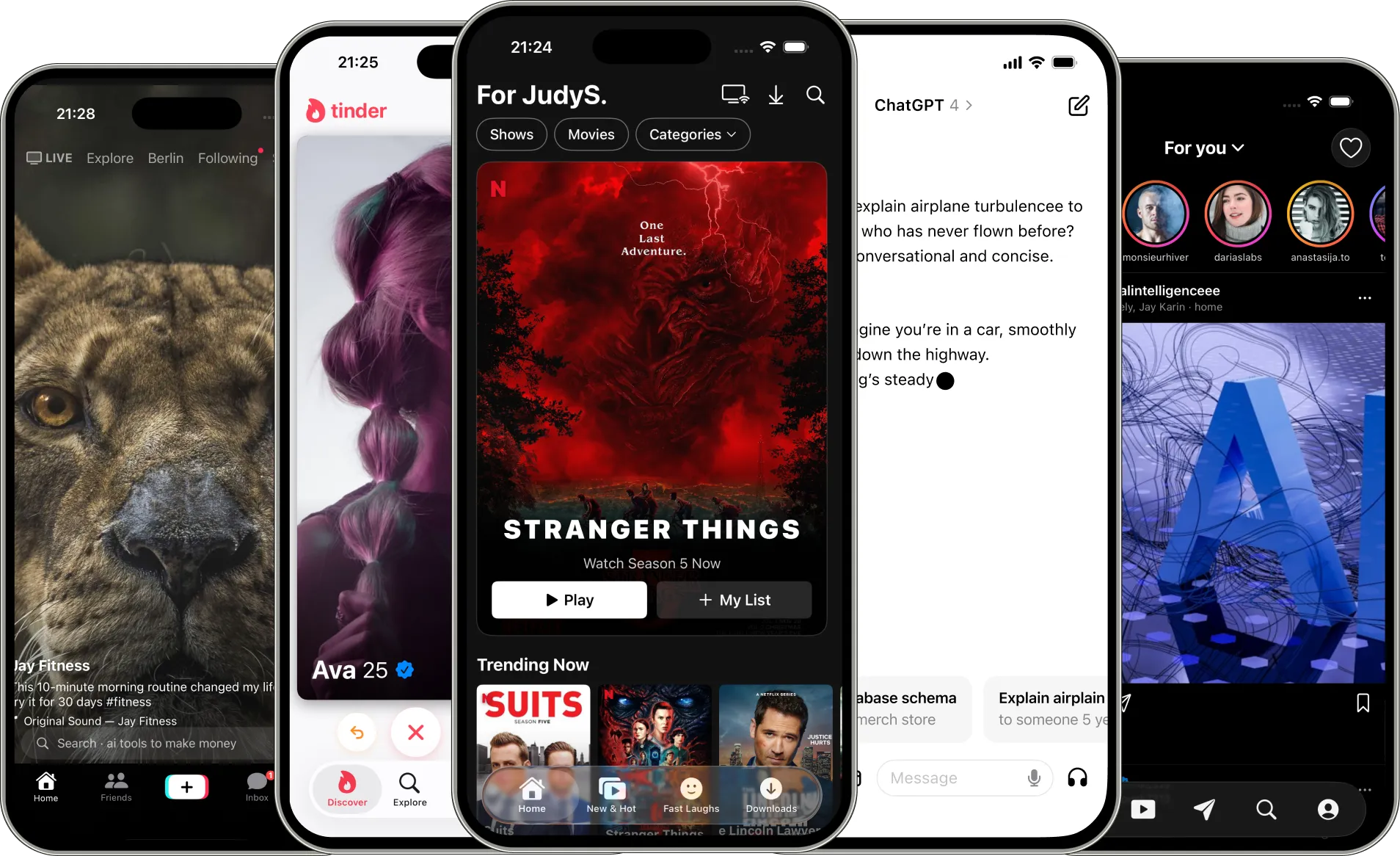
Those are real templates, generated and available in Superapp.
One platform.
Every Apple device.
Build for iPhone, iPad, Apple Watch, and Mac — all from
a single project. One tool, entire ecosystem.
Two ways to build.
Start in your browser, or go full power on Mac.
Superapp Web
- Runs in your browser — nothing to download
- Build your first app in under a minute
- Perfect when you want a great app fast
- iPhone, iPad and Watch apps
- Automated publishing to the App Store
- Limited free plan
Superapp Mac
- App preview runs on your Mac — dramatically faster
- Do more with the same amount of credits
- Everything in Web — plus native Mac apps
- Automated publishing to the App Store
- Free plan included — 5 credits, renewed daily
- One-time setup required
Discover Superapps
Discover real apps made with Superapp. Thousands of native iOS apps already live on the App Store.
Top Free
See All


Loved by builders.
Entrepreneurs build companies. Teams launch products. Businesses ship apps.

I tried to make Lovable for iOS with @martindonadieu a few months ago but it was harder than we thought so we gave up 😅 @vitalikkotyk managed to do it with @SuperAppIOS and just got himself an ad spot on TrustMRR, so the circle is complete 😇
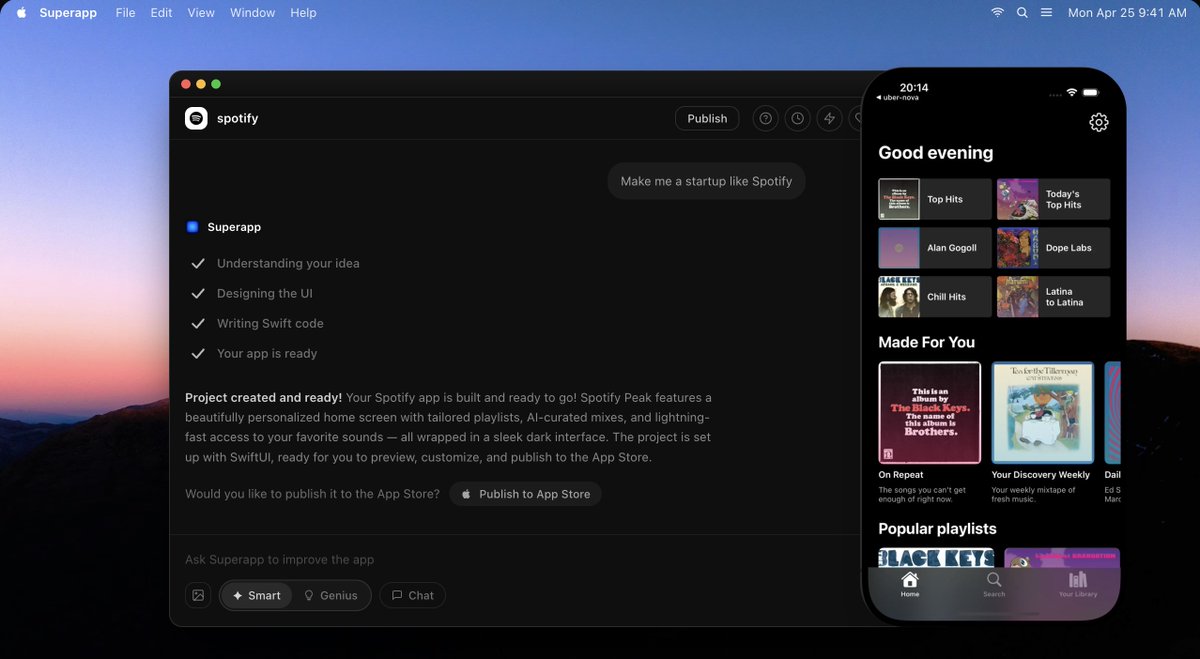

Built Supacam with @SuperAppIOS in ~2 hours. First month revenue: $500+ Tiny idea. Fast build. Real users. Time to stop overthinking and ship.
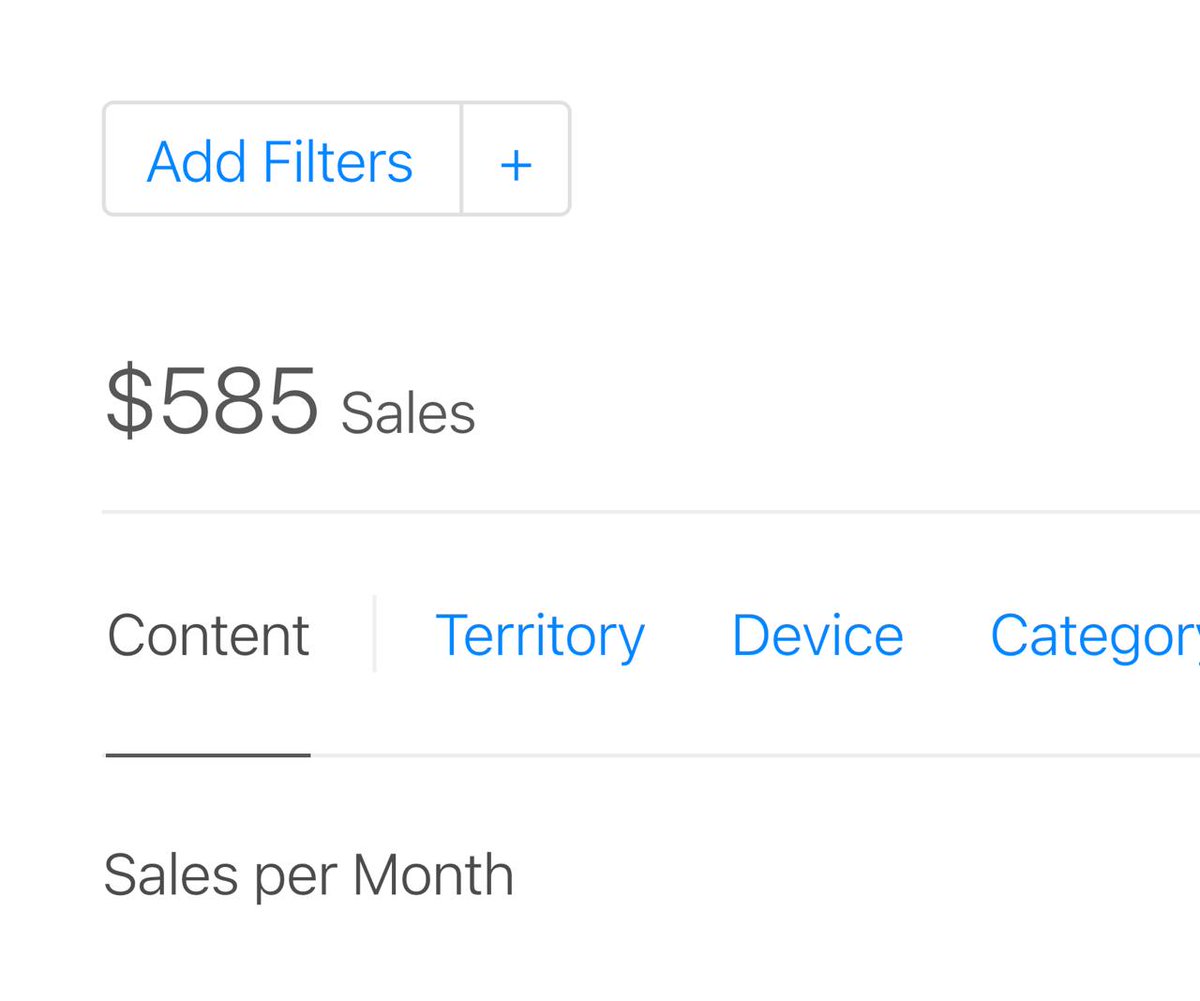

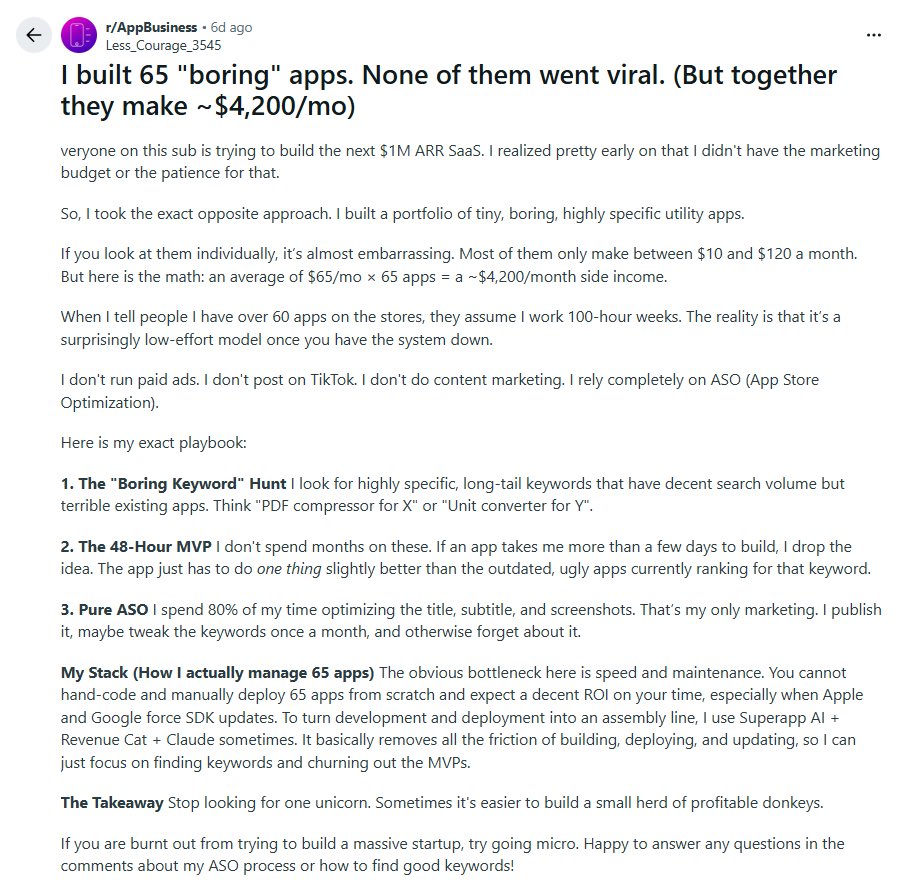
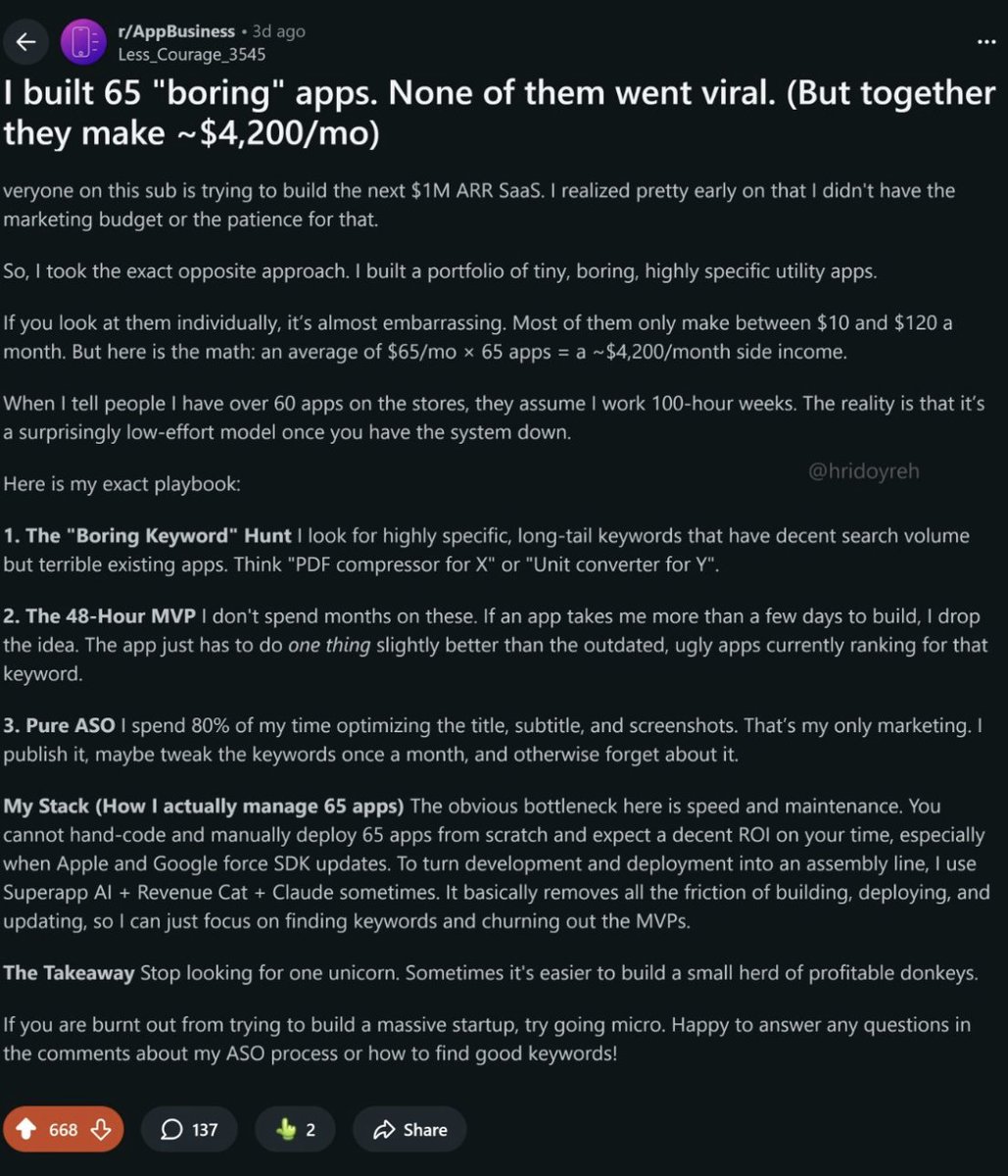
this guy built 65 "boring" apps none of them went viral... but together they make $50,000/year here's how he did it

Cal ai monthly revenue is $3m with 800k+ downloads last month Tried vibecoding it on iOS with Superapp AI Its actually amazing to see your idea to execution in minutes


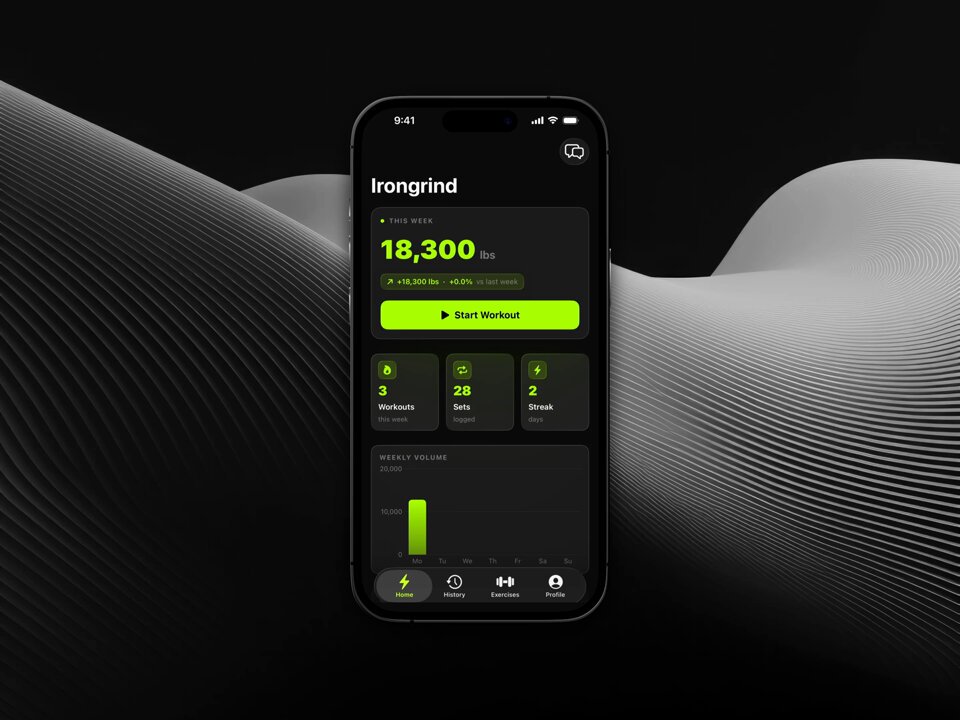
Building @Stepseedapp took me almost 2 months, building Irongrind took 48 hrs, building has become easy, a lot easy, distribution is the new bottleneck, need to up my sales skills built using @SuperAppIOS, super impressed

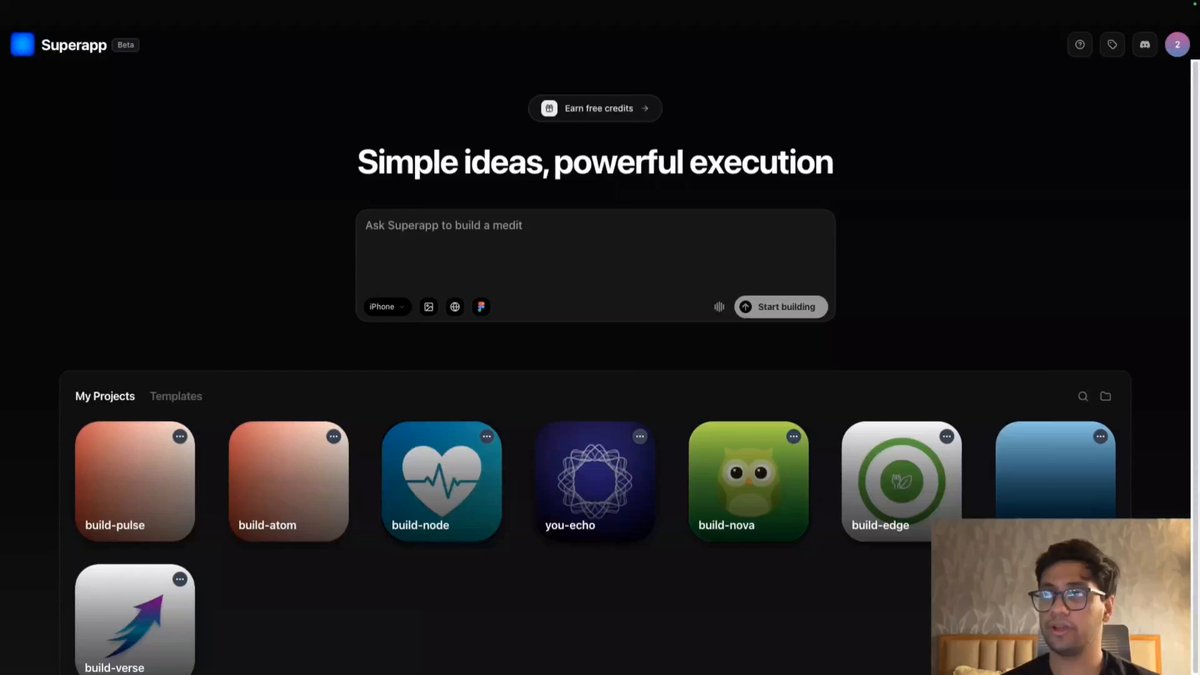
building iOS apps actually feels stupidly easy now 😭 made a tutorial on vibecoding iOS apps where i: - generate the app UI with prompts - show how to connect Supabase auth/backend - add RevenueCat payments - and prep it for App Store submission

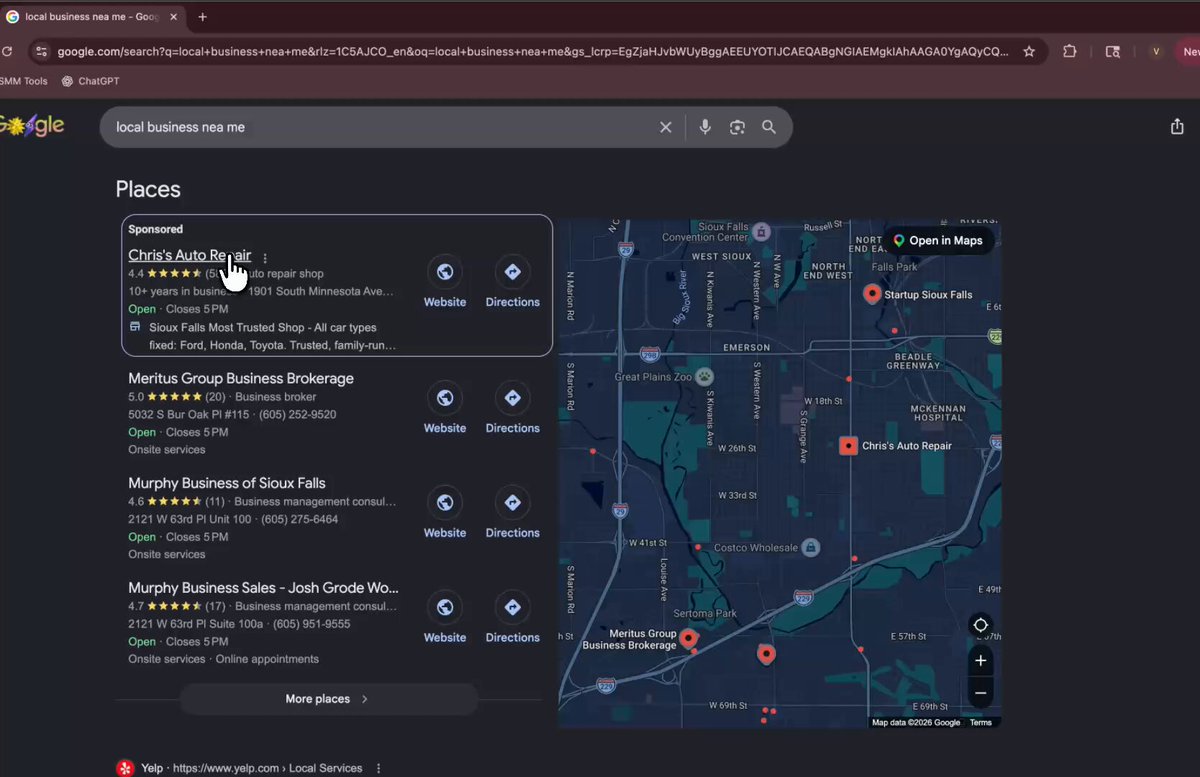
THIS IS LIKE FINDING BITCOIN IN 2009!! 💀 building iOS apps for local business and restaurants i built this car dealership app in 15 minutes with Superapp AI without even writing a single line of code. an entire iOS app with appointment setting, product page, reviews.

A Reddit user built 65 apps. None of them went viral or became hugely successful. But by making around $60/month from just 2–3 users on each app, he's now generating almost $4,200/month in total 🤯🤯

Strava Premium costs $11.99/month. Some athletes pay for it for years just to unlock advanced stats and tracking features. So I tried something crazy: Instead of paying for Strava Premium, I vibe-coded my own version using AI.